(WORK) · PRODUCTIVITY APP

PDF Maker

Every PDF task in one pocket tool to create, edit, scan, merge, convert and sign on the go.

PDF Maker app icon
PDF Maker screen 1
PDF Maker screen 2
PDF Maker screen 3
PDF Maker screen 4
PDF Maker screen 5
PDF Maker screen 6
PDF Maker screen 7
Industry
Productivity
Scope
UX Strategy, UI Design, App Development
Platform
Android
Tools
Create, edit, scan, merge, sign
Team
Prixel design + mobile team

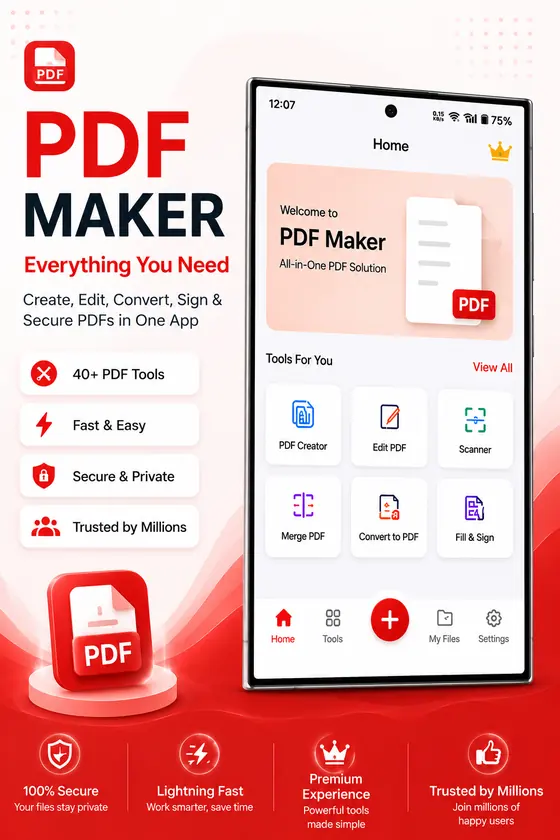
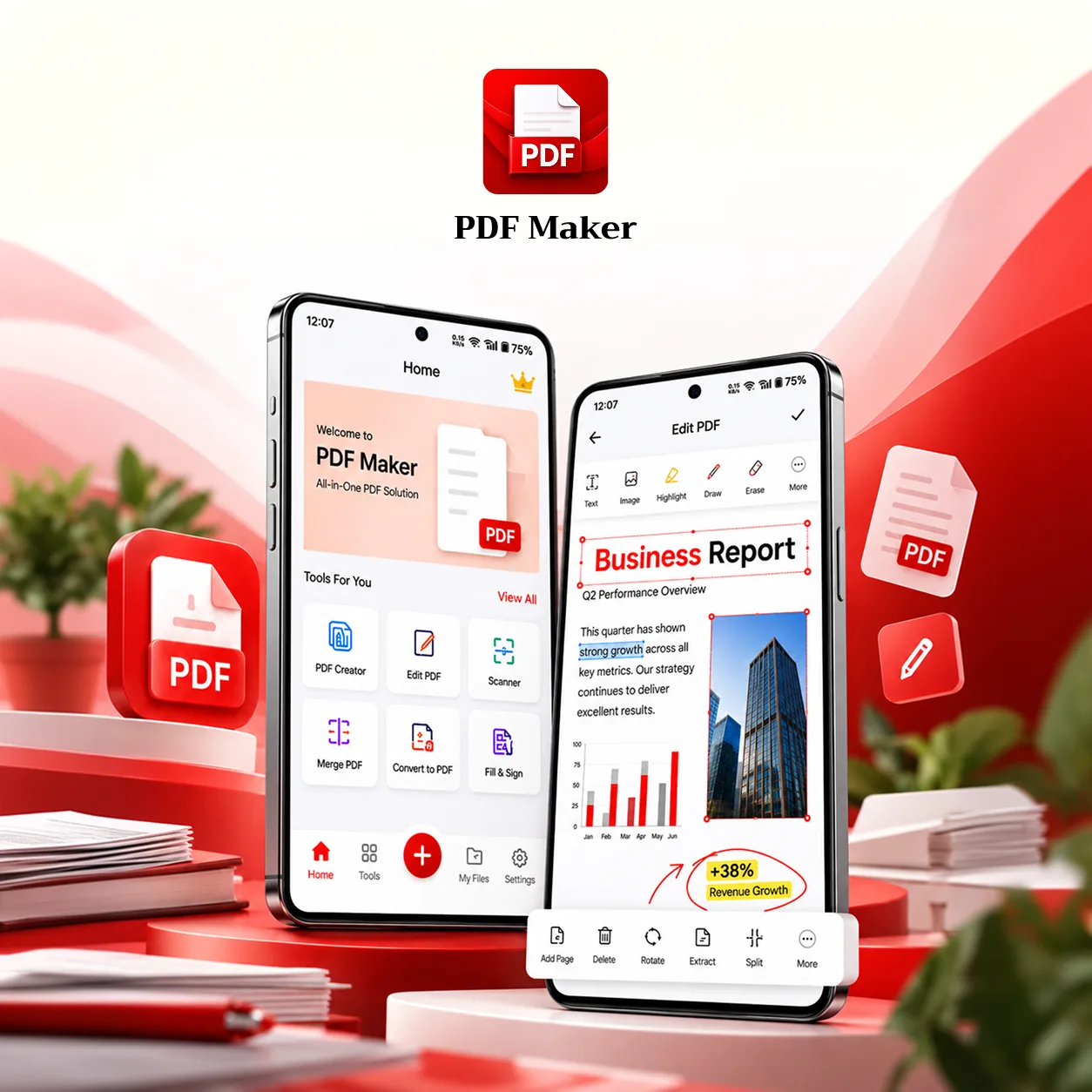
PDF Maker is an all-in-one PDF tool to create, edit, scan, merge, convert and sign documents on the go.

Tools sit in a simple grid, the editor keeps formatting one tap away, and a confident red accent guides every key action.

{01} THE PROBLEM

PDF work on a phone means juggling apps.

We designed around what people need to get documents done.

  • Scanning, editing and signing usually need different apps
  • Small screens make PDF editing fiddly and slow
  • Page tasks like rotate or split are buried in menus
  • Large documents can be slow on everyday phones
{02} THE SOLUTION

One focused toolkit for every PDF task.

A simple tools grid, a clean editor and page tools built in.

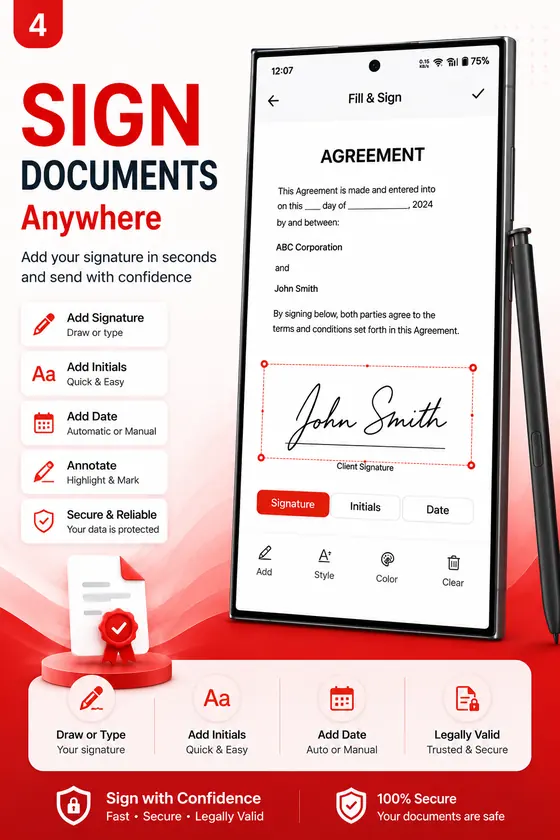
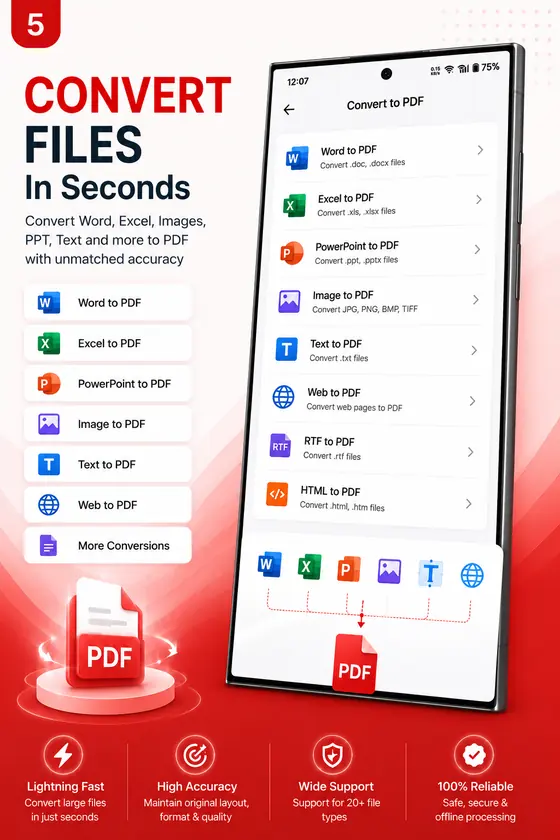
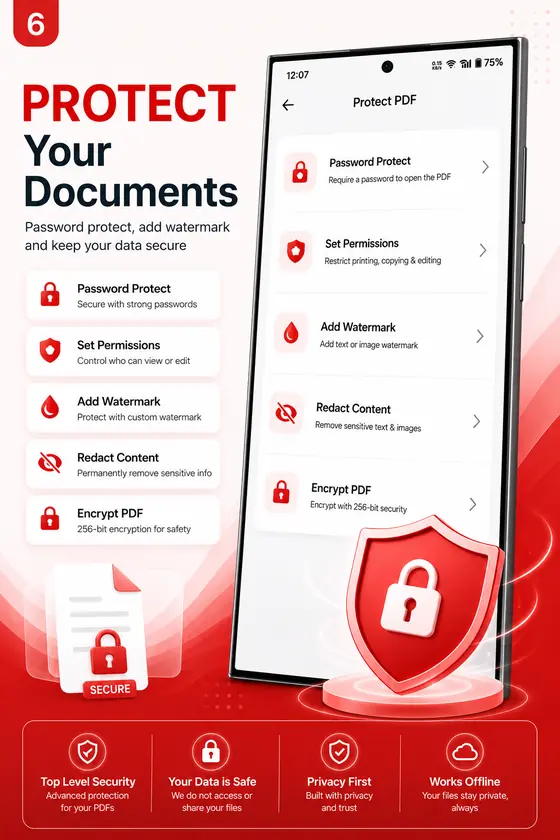
Every task starts from one tools screen: create, edit, scan, merge, convert and sign. The editor keeps text, image, highlight and draw tools one tap away, and page tools let users add, delete, rotate, extract and split pages without leaving the document. Designed and built by one team, from UX to the finished Android app.

PDF Maker: Every tool in one grid PDF Maker: Edit without the hassle PDF Maker: Page tools built in
01

Every tool in one grid

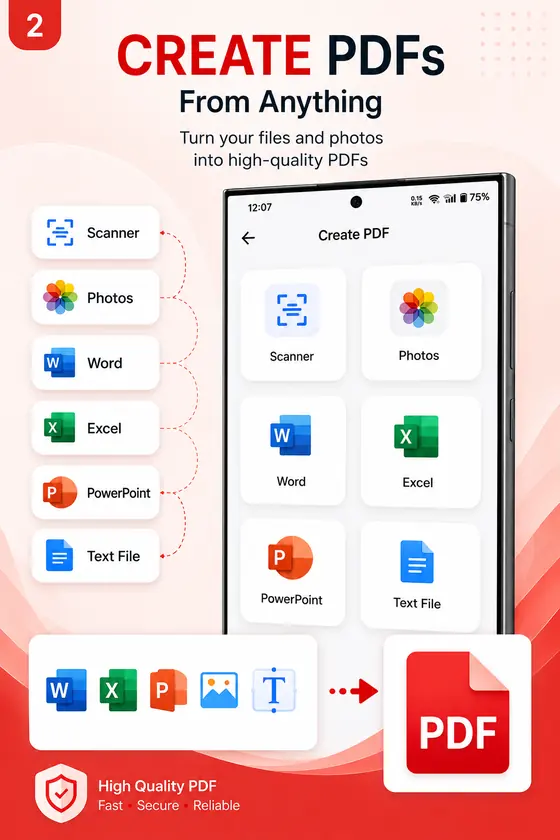
Create, edit, scan, merge, convert and sign from a single, simple tools screen.

  • Create and scan
  • Merge and split
  • Convert and sign
02

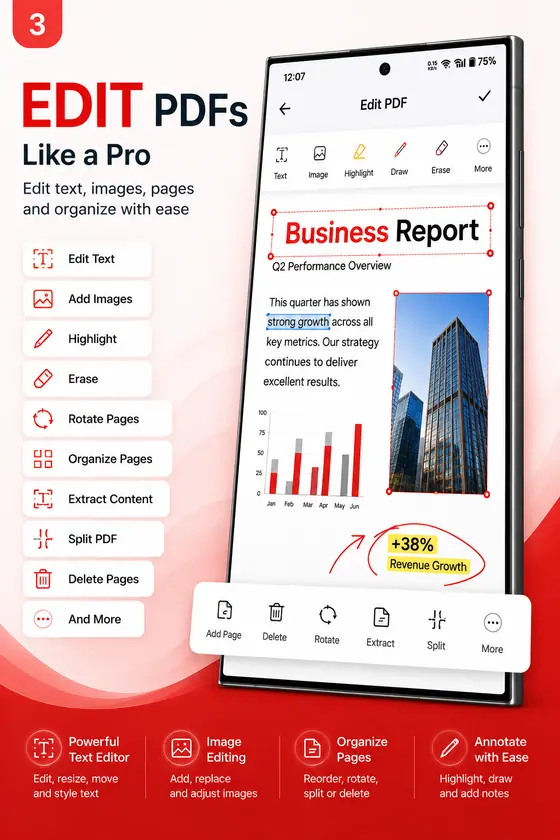
Edit without the hassle

Text, image, highlight and draw tools sit one tap away in a clean editor.

  • Edit text
  • Add images
  • Highlight and draw
03

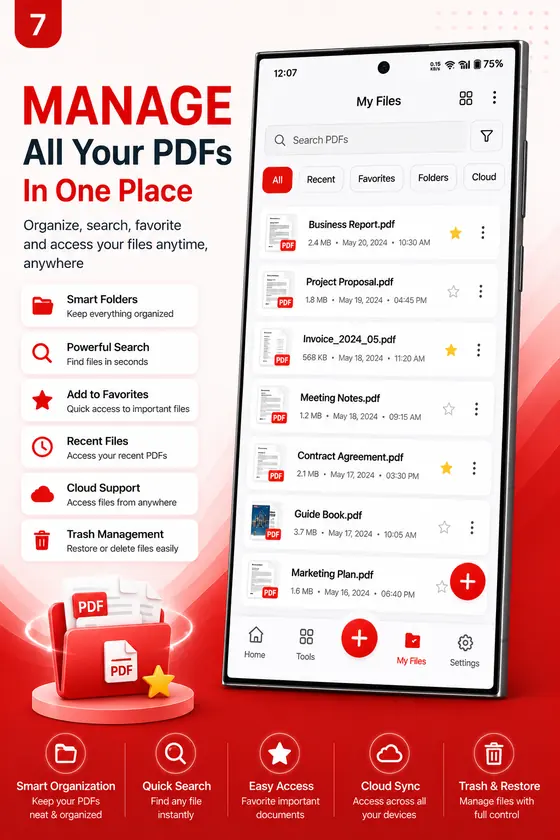
Page tools built in

Add, delete, rotate, extract and split pages without leaving the document.

  • Add and delete pages
  • Rotate pages
  • Extract and split
{03} APPROACH

Users, documents and the product, connected

Where design makes the difference.

01

Everyday users

  • Every tool on one screen
  • Scan paper documents with the camera
  • Sign without printing
02

Documents

  • Edit text and images in place
  • Merge, split and convert files
  • Rotate, extract and reorder pages
03

Where we help

  • One grid instead of many apps
  • A clean editor for small screens
  • Design and build by one team
{04} IMPACT

What we delivered

Every tool in one grid

Create, edit, scan, merge, convert and sign from a single screen.

Editing made simple

Text, image, highlight and draw tools sit one tap away.

Page tools built in

Add, delete, rotate, extract and split pages inside the document.

Smooth on everyday phones

Pages load as you scroll, so big documents stay responsive.

{05} VISUAL IDENTITY

Look, feel and flow

Logo, app icon and a confident red palette that guides every action.
Primary PDF Red #CE2420
Secondary Deep Red #8E1512
Background Paper #F6F6F8
Text Ink Black #1A1A1A
Accent Highlight Yellow #FFE14D
{06} APP SCREENS

Every screen, one experience

{07} HOW WE BUILT IT

Simple on the outside, solid inside

Native Android with clean MVVM layers, so heavy documents stay smooth on everyday phones.

Tech stack
  • KotlinLanguage
  • JavaLanguage
  • Jetpack ComposeUI
  • MVVMArchitecture
  • RoomSQLite storage
  • RetrofitREST APIs
  • FirebaseServices
01

Large PDFs, low memory

Problem
Big documents can be slow on budget phones
Solution
Pages rendered as they scroll, with a small cache
02

Never lose an edit

Problem
Edits must survive the app closing
Solution
Edits saved step by step and restored on reopen
03

Editing on a small screen

Problem
Formatting tools crowd the page
Solution
Tools in one bar, the page stays in focus
MORE WORK

More projects

See all projects
Candy Loader: Puzzle Adventure app screens

Candy Loader: Puzzle Adventure

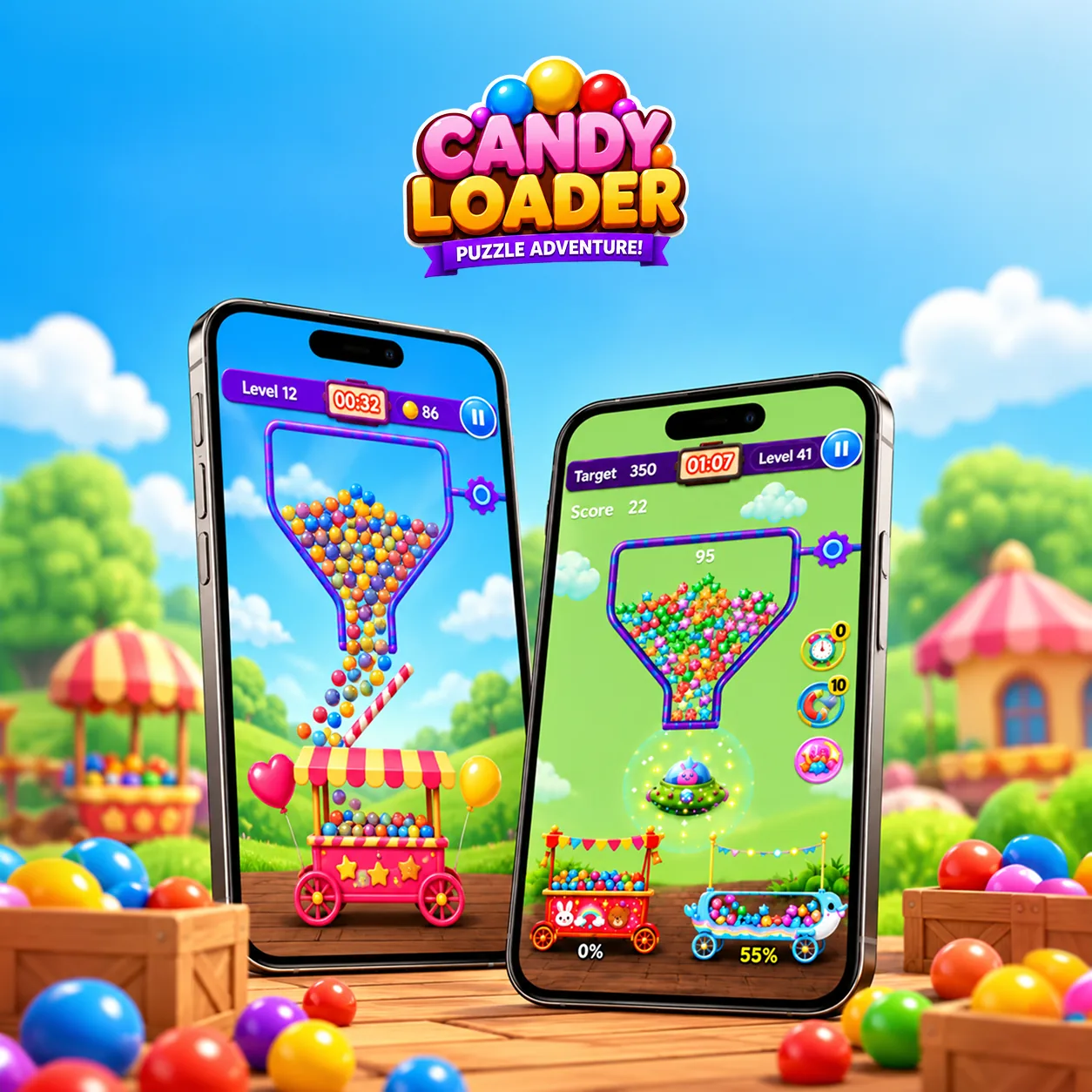
A colourful candy puzzle game: fill the carts, beat the clock, clear levels.

  • Gaming
  • iOS
  • Android
Recorder+ Voice Recorder app screens

Recorder+ Voice Recorder

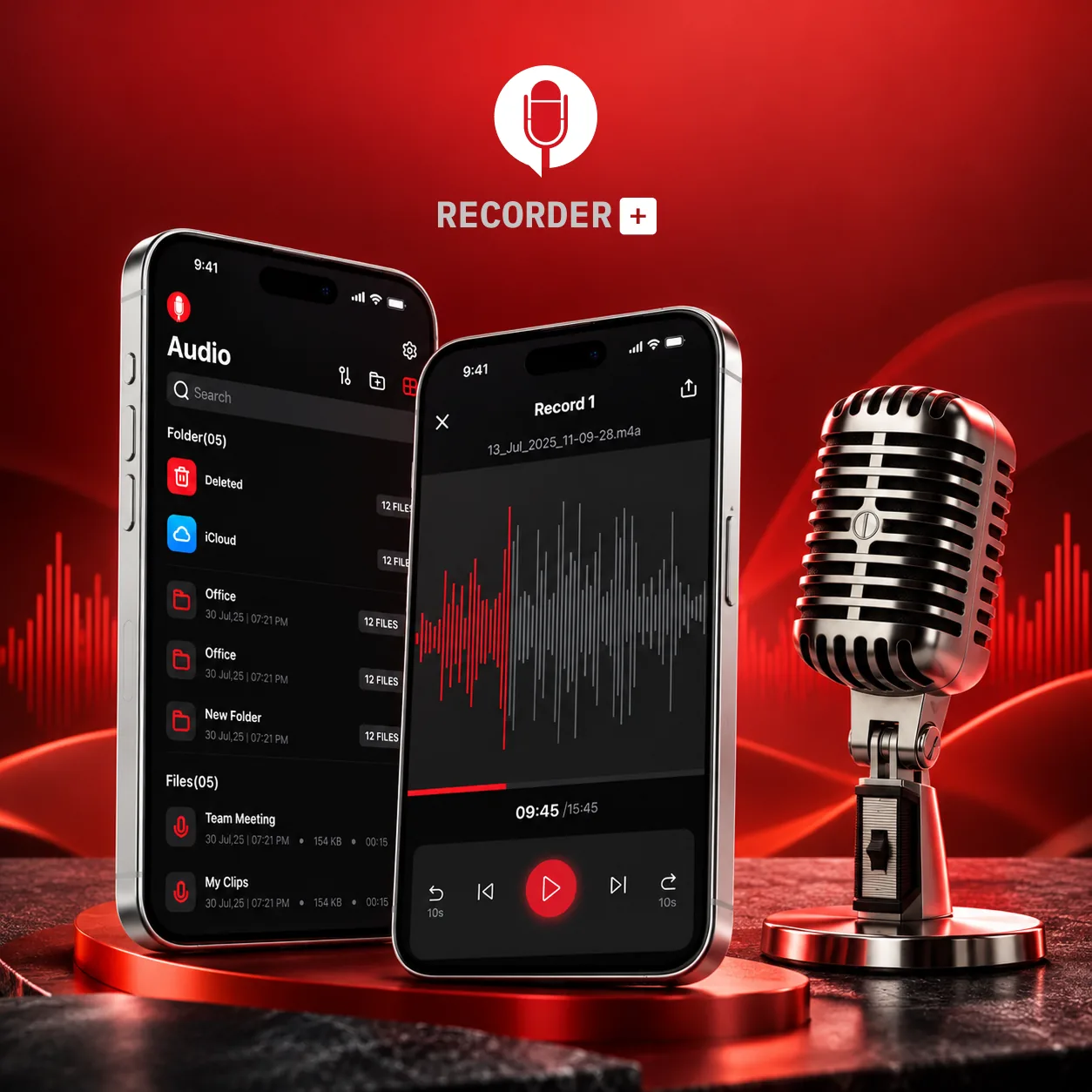
A clean voice recorder with folders, iCloud backup and a waveform player.

  • Productivity
  • iOS
ABC Letterings: Kids Learning App app screens

ABC Letterings: Kids Learning App

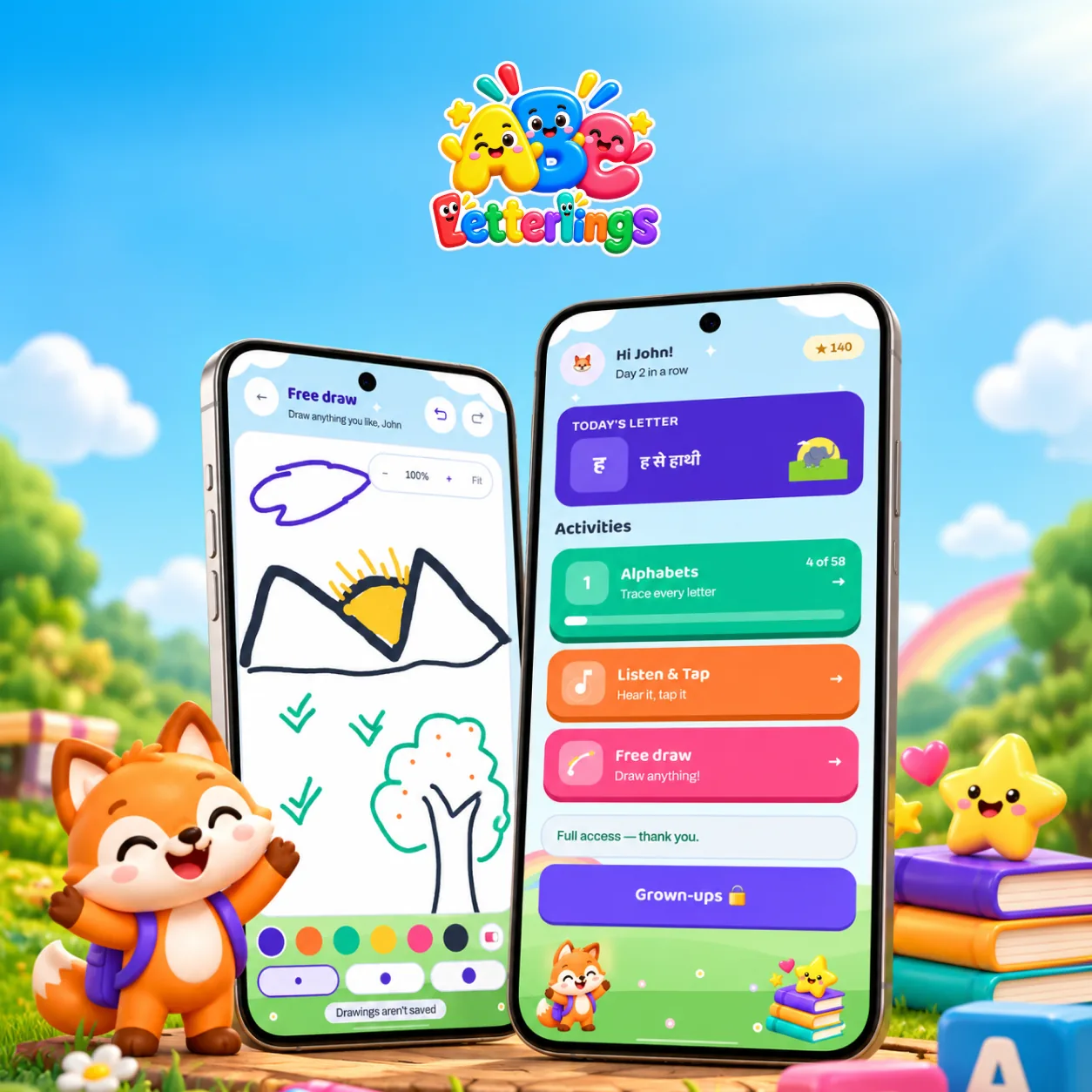
A playful kids’ app for letter tracing, listen-and-tap games and free drawing.

  • Education
  • iOS
  • Android

Ready to build your
next product?

Tell us about your idea and get a clear plan and quote from our team within one working day.
Chat with us